Vigil
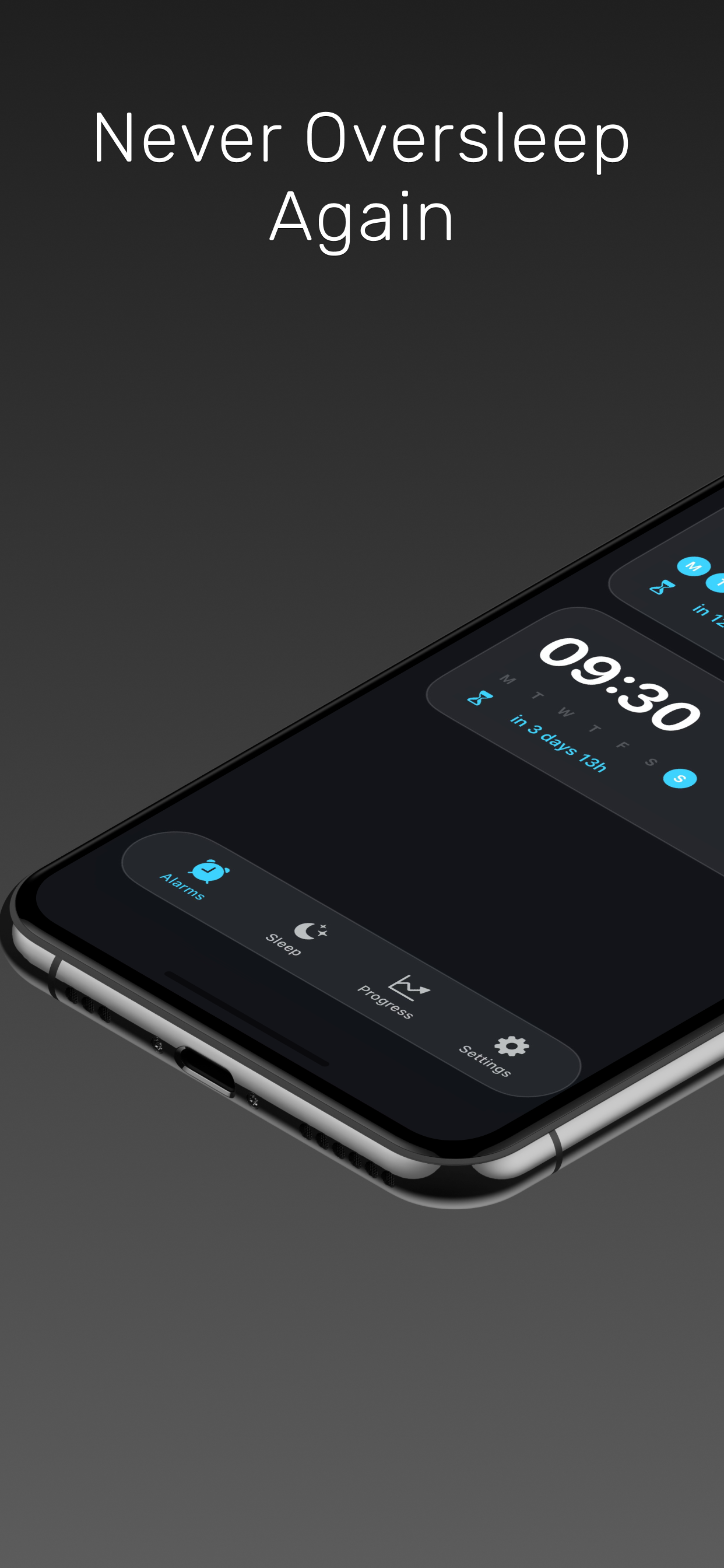
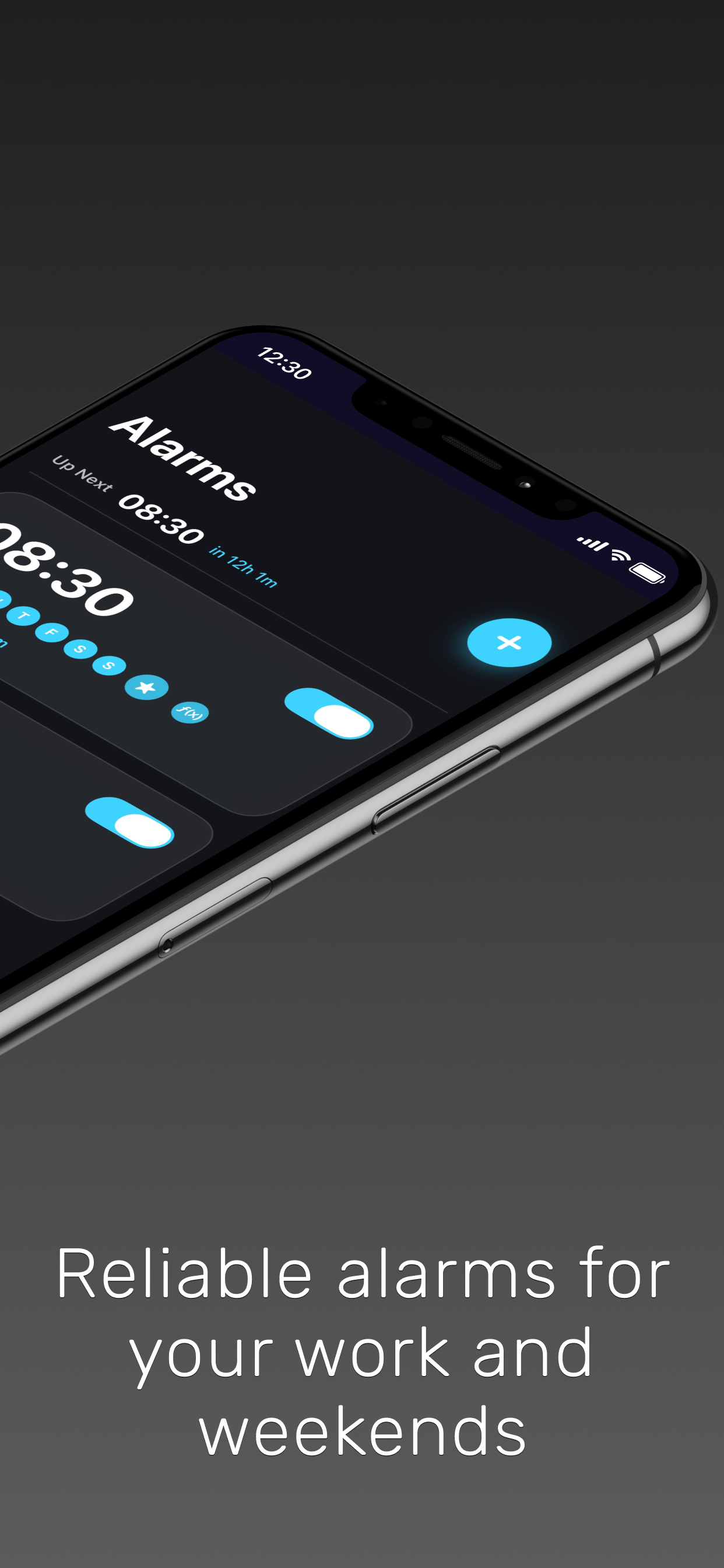
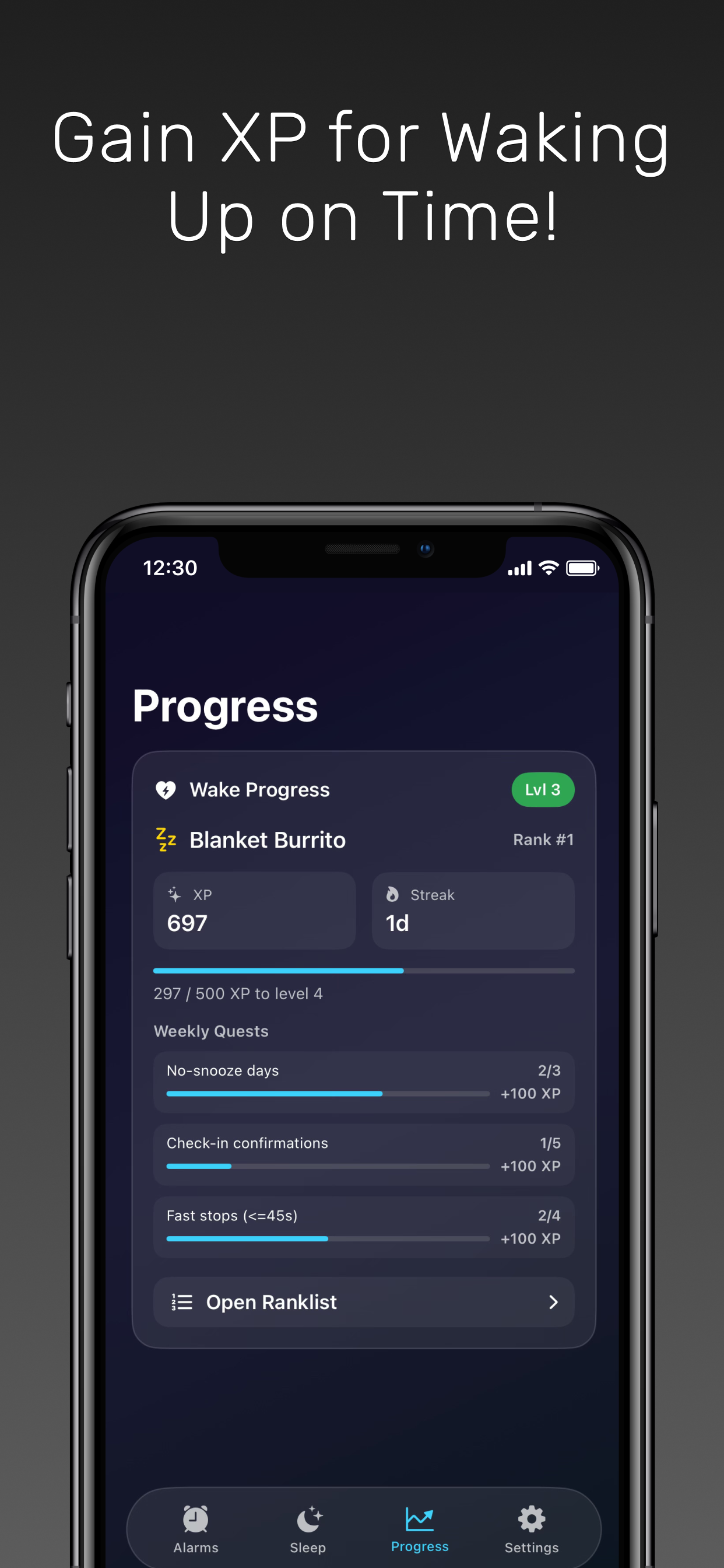
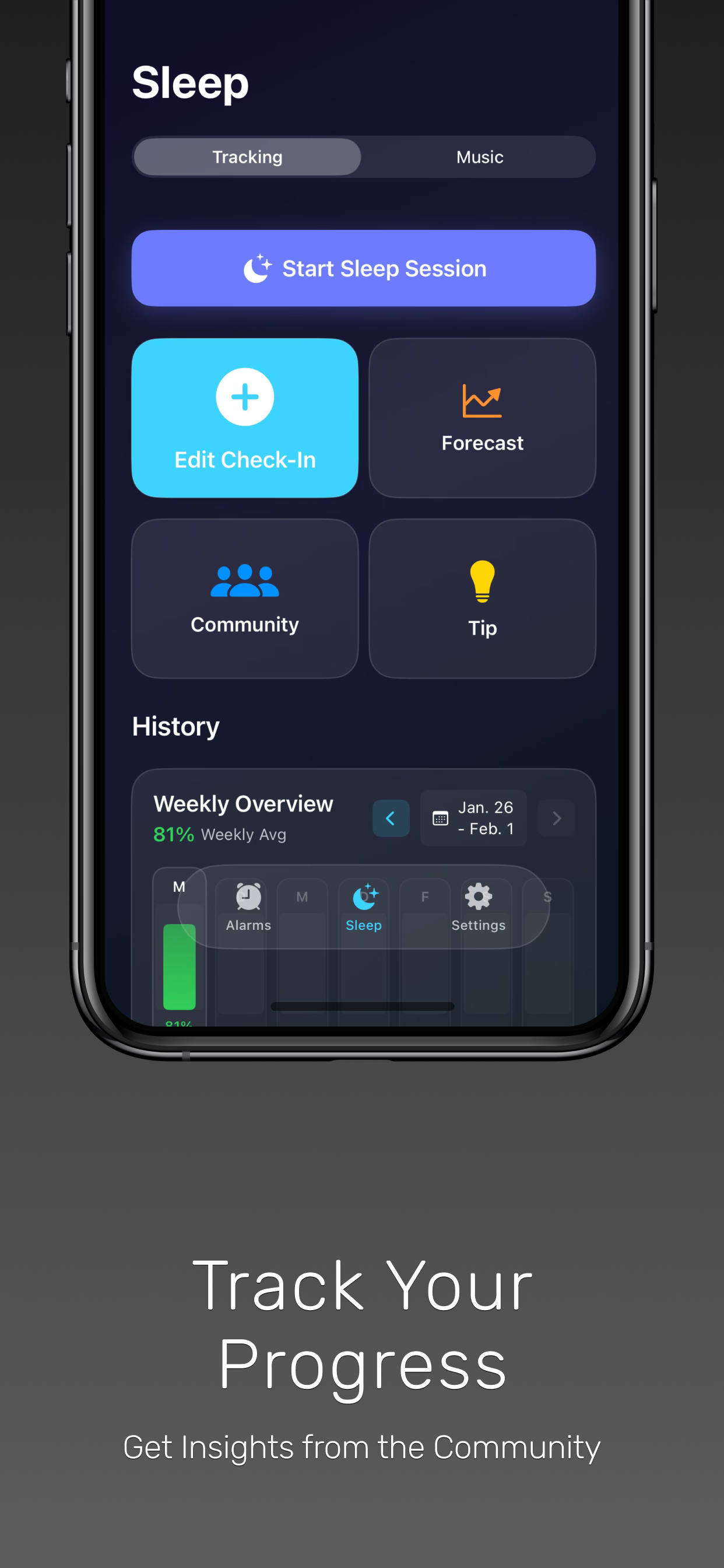
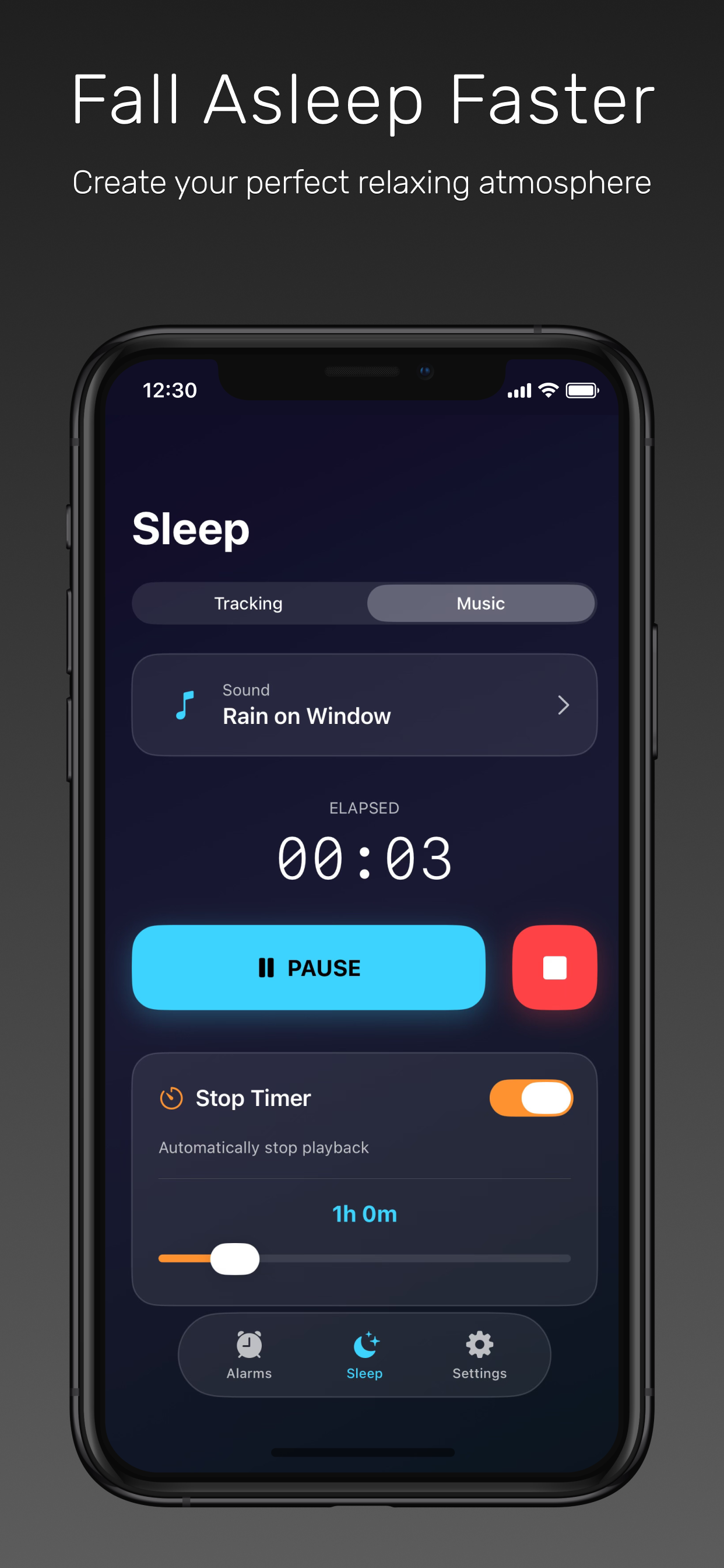
A comprehensive sleep and alarm app for iOS that helps you sleep better and wake up refreshed. Vigil combines smart alarm scheduling, detailed sleep tracking, soothing sounds, and XP rewards for waking up on time.
Download on App StoreKey Features
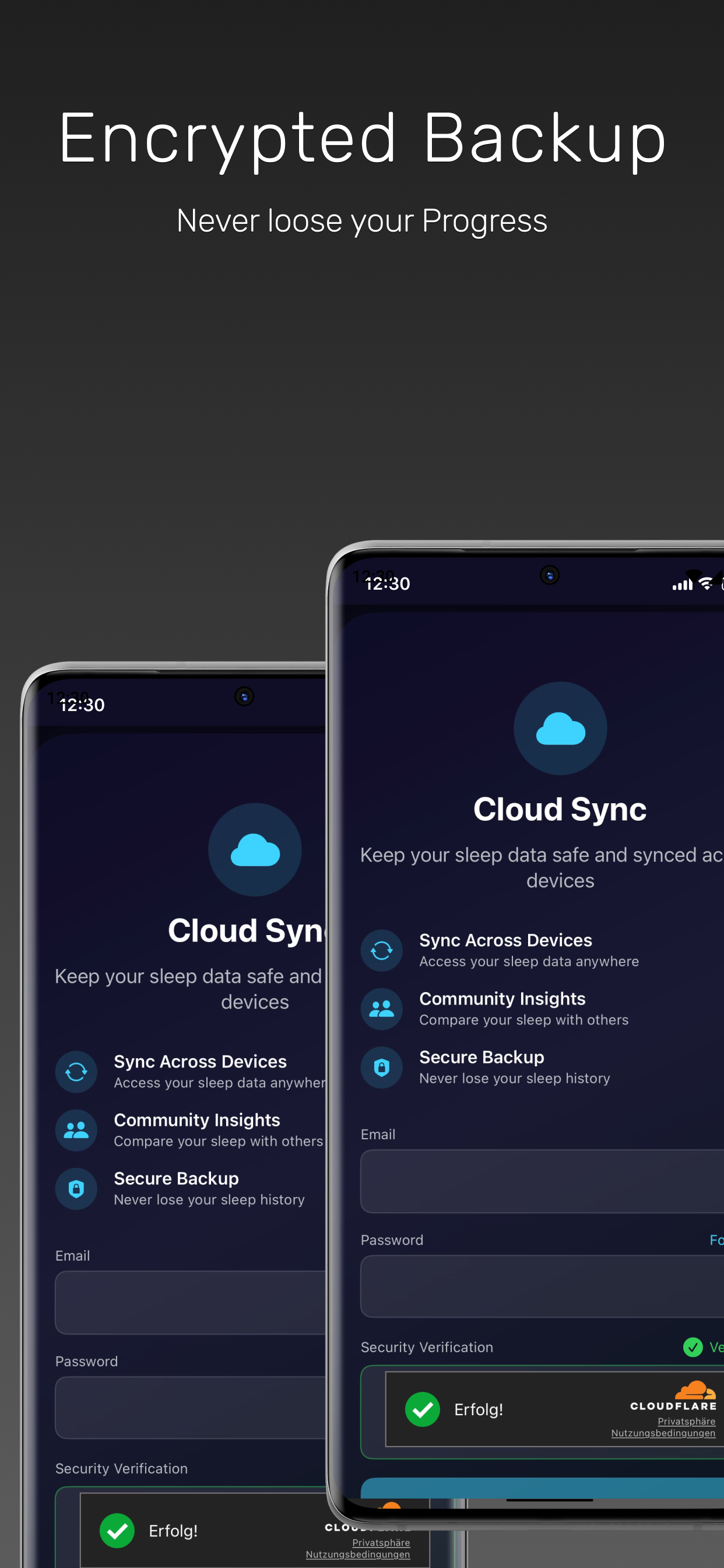
Screenshots
Frequently Asked Questions
What iOS version do I need?
Vigil requires iOS 17 or later.
What languages does Vigil support?
English, German, Turkish, French, Spanish, and Arabic.
How is Vigil different from the built-in alarm?
Vigil offers features like Math Missions to ensure you're fully awake, Wake Up Check-In, customizable alarm sounds, and detailed sleep tracking.
What are Math Missions?
Math Missions require you to solve math problems before the alarm stops, ensuring you're mentally alert and won't fall back asleep. (Pro feature)
Can I set alarms for specific dates?
Yes, with Vigil Pro you can schedule alarms for specific dates, perfect for one-time events. (Pro feature)
How does sleep tracking work?
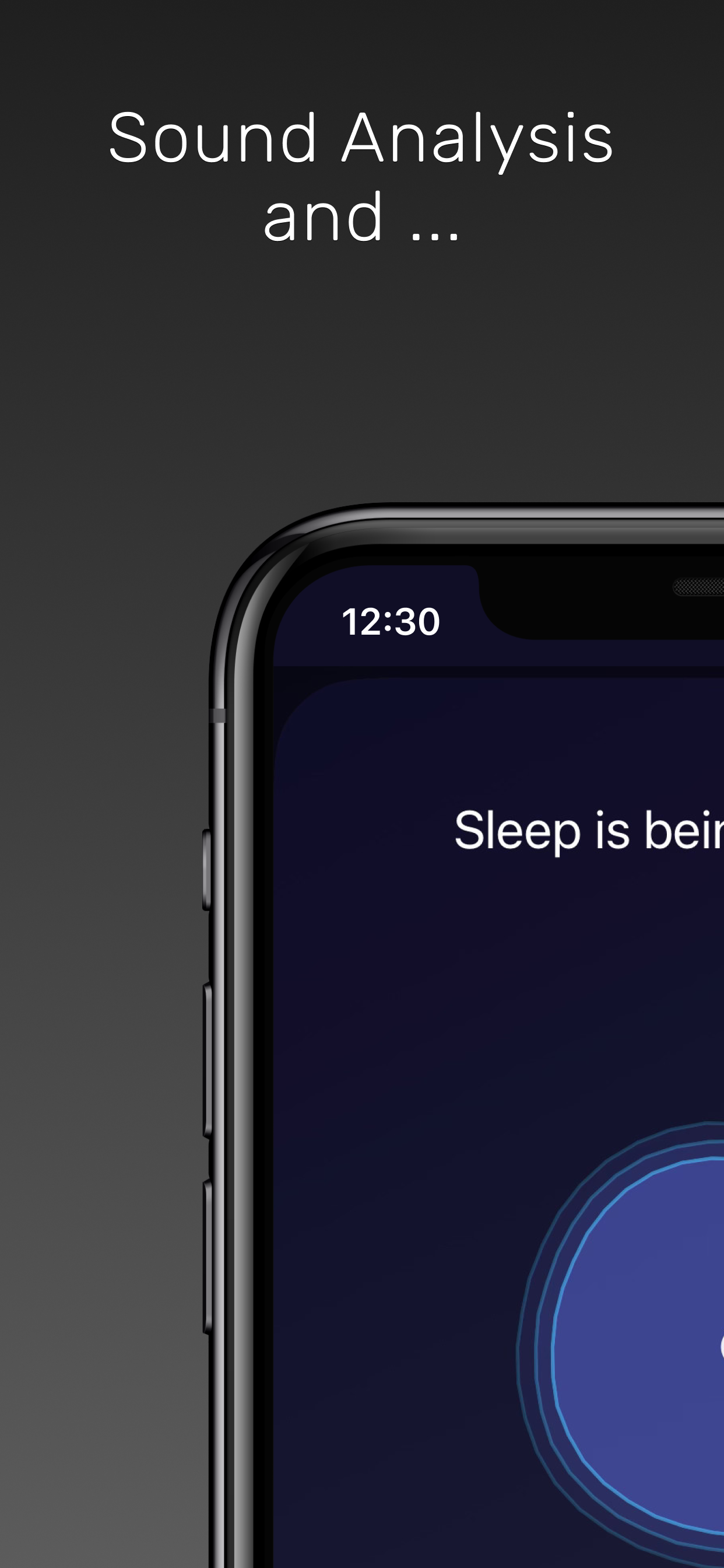
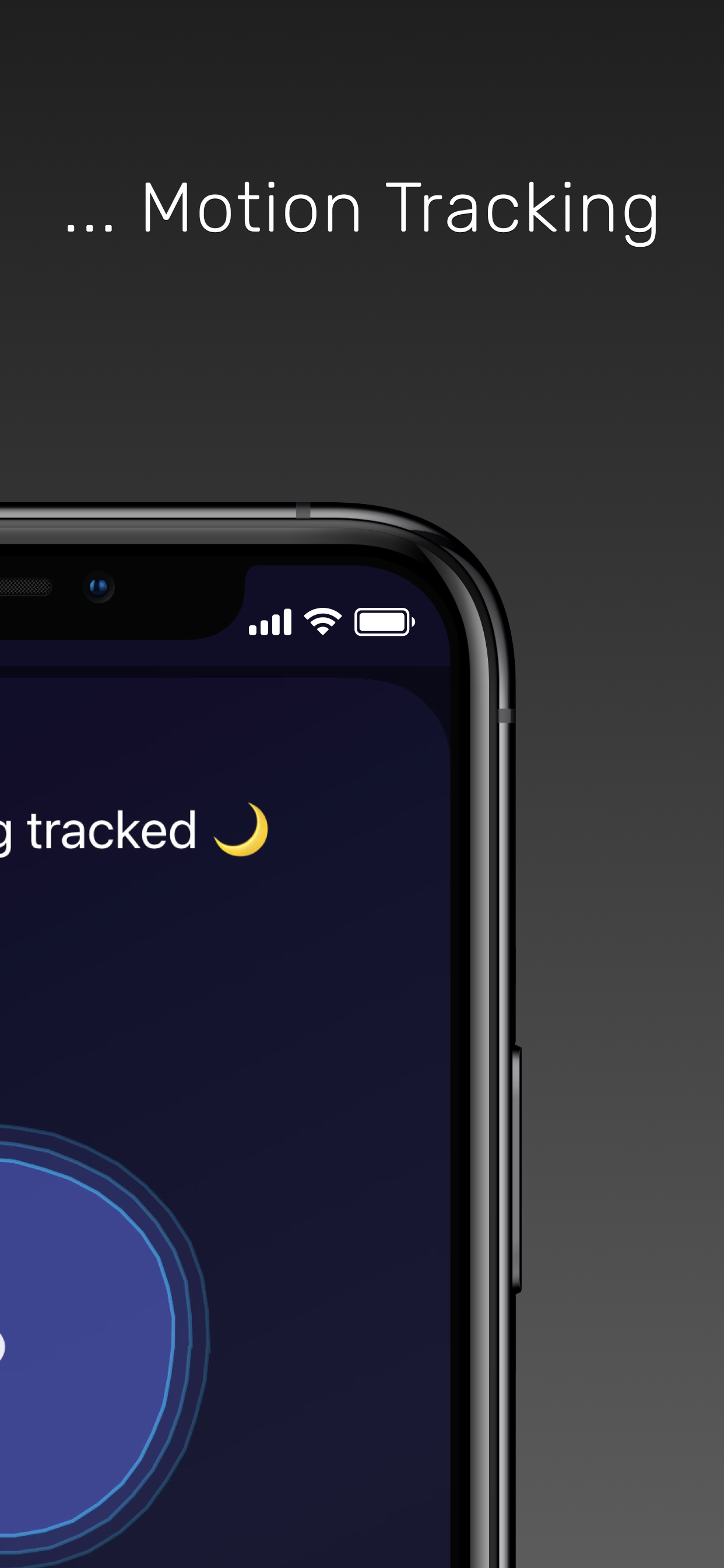
Vigil uses your device's microphone to detect sleep events like snoring and sleep talking, giving you insights into your sleep quality.
Does sleep tracking drain my battery?
Vigil is optimized for overnight use, but we recommend keeping your device plugged in during sleep tracking.
Are my sleep recordings stored securely?
All recordings are stored locally on your device. With Vigil Pro, you can access extended recording history.
What's included in Vigil Pro?
Ad-free experience, Extended sleep recordings access, Math Missions, Wake Up Check-In, Specific date alarms.
How do I restore my purchase?
Open the app → Settings → Tap "Restore Purchases". You must be signed in with the same Apple ID used for the original purchase.
My restore isn't working. What should I do?
Make sure you're signed into the same Apple ID that made the purchase. If the issue persists, contact support with your Apple receipt.
Can I use Vigil Pro on multiple devices?
Yes, your subscription works on all devices signed into the same Apple ID.
Why does Vigil need microphone access?
The microphone is used for sleep tracking to detect snoring and sleep talking. Audio is processed on-device and recordings stay on your phone.
Why does Vigil need notification permissions?
Notifications are required to alert you when your alarm goes off, even if the app is in the background.
When I delete my account, is my data deleted?
Yes, all data that is linked to your account is permanently deleted.